Buying Guides
HDMI Switch vs Splitter: Choosing the Right Box for One Screen or Many
Switch, splitter and KVM get confused constantly, and the wrong box is a preventable return. What each box does, the EDID and HDCP details, and the questions to ask first.
Between the source devices on a shelf and the screens on a wall sits a family of small boxes that constantly get confused with each other: switches, splitters and KVM switches. They look similar, they sit in the same catalog category, and ordering the wrong one is one of the most preventable mistakes in the accessory trade. This guide separates the three by what each box actually does, explains the spec details that decide whether it works in your room, and ends with the questions that keep the wrong box out of your purchase order.
Three boxes, three completely different jobs
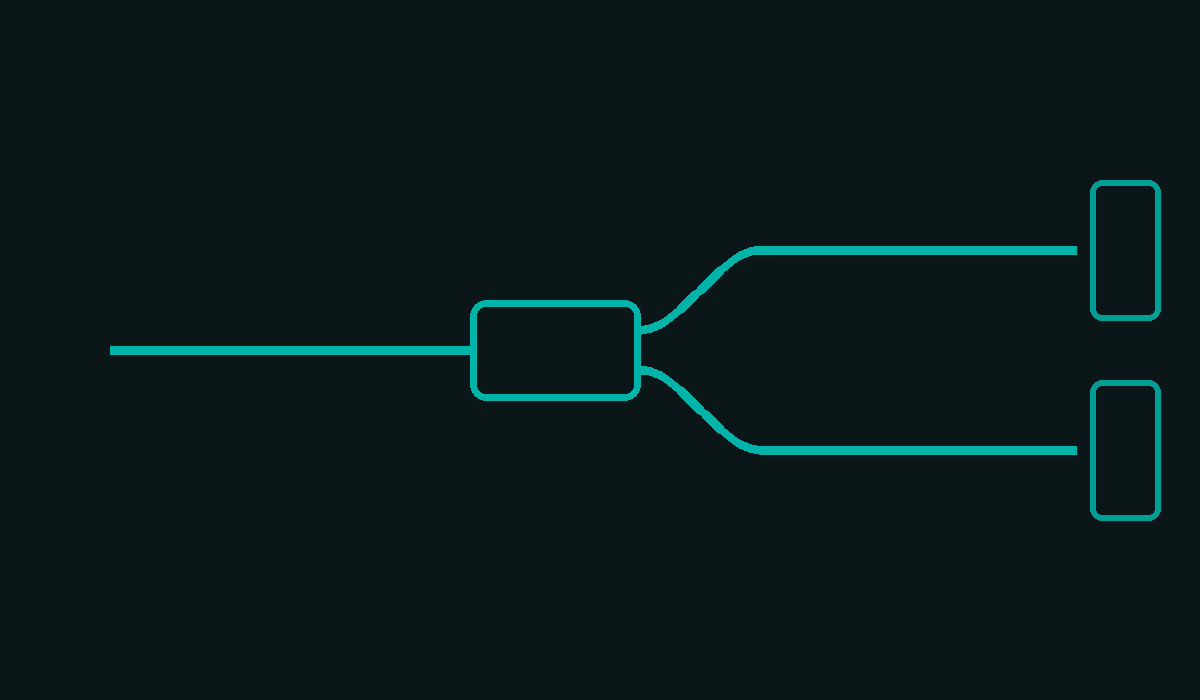
A switch solves the opposite problem from a splitter, and remembering one sentence keeps them straight: a switch chooses between sources for one display, a splitter copies one source to many displays, and a KVM switch shares a keyboard, mouse and screens between computers.
If you have a console, a media player and a laptop fighting over a single television, you want a switch: it takes multiple inputs, you select one, and the display sees a clean signal. If you have one source that must appear on two or more screens showing the identical image, such as a menu board feeding displays in different corners of a restaurant, you want a splitter: every connected display shows the same picture at the same time. If you have two or more computers and one desk, you want a KVM switch, which moves your keyboard, mouse and monitor between machines instead of between video sources.
None of the three can do the other's job. A splitter cannot show different images on its outputs, a switch cannot duplicate one input to two displays at once, and expecting either to behave like the other is how wrong orders happen.
The spec details that decide whether it works
Two acronyms carry most of the real world behavior, and both are worth understanding before any order.
EDID is the conversation where a display tells the source what it can show: its resolutions, refresh rates and audio formats. A splitter with multiple outputs now faces a conflict, because each display reports its own EDID but the source can only follow one. Well designed splitters manage this, often by using the lowest common capability or by letting you fix an EDID manually. Poorly designed ones produce the classic symptoms: a source that outputs a resolution one display cannot show, or no picture at all until things are replugged in a lucky order.
HDCP is the copy protection handshake on protected content. Every device in the chain must answer it: source, box and display. This is why a splitter that works perfectly with a camera feed can still refuse a protected stream, and why testing with your actual content, not just a test pattern, is part of any serious sample evaluation.
Bandwidth is the third gate. Higher resolution modes need the full link rating to survive the box: a 4K120 or 8K signal passing through an older switch can drop to a lower format or fail to handshake at all. The box's rating caps the chain exactly the way a cable's rating does, and the same verification habit applies.
The buying questions, in order
Start by counting hardware on both sides. How many sources need to reach how many displays, and do the displays show the same image or different ones? Same image on many screens points to a splitter; selecting between sources points to a switch; sharing a desk setup between computers points to a KVM.
Then fix the signal tier. Write down the highest mode any display in the chain will run, such as 4K at 120 Hz or 8K at 60, and require the box to carry that class end to end, because every hop after the box inherits its limits. Then confirm the content situation: if protected commercial streams are in the picture, demand HDCP behavior in writing and test it on a sample. Finally, think about control: an input switch that requires reaching behind a wall mounted display every time defeats its own purpose, so check for remote control or button reachability in the install plan.
One habit closes most of the risk: order a sample of the specific box, connect it exactly as the room will be built, with the real sources, the real displays and the real content, and let it run for a day. Intermittent handshake failures show up on day one, not in a brochure.
What we supply
Mattzon builds HDMI, DisplayPort and USB switch lines for exactly these scenarios, alongside the KVM category for desk sharing, with honest bandwidth ratings on every model. The line carries CE, FCC and RoHS documentation, samples and small trial batches are accepted with no minimum order quantity, and production runs are scheduled in 3 to 25 days from our factory in Shenzhen, with 89 percent of products on private tooling for OEM and ODM programs.
If your project list has a room where sources and displays do not match one to one, send us the count on both sides first. The right box is a ten dollar part that saves an install; the wrong box is a return label and an apology.