
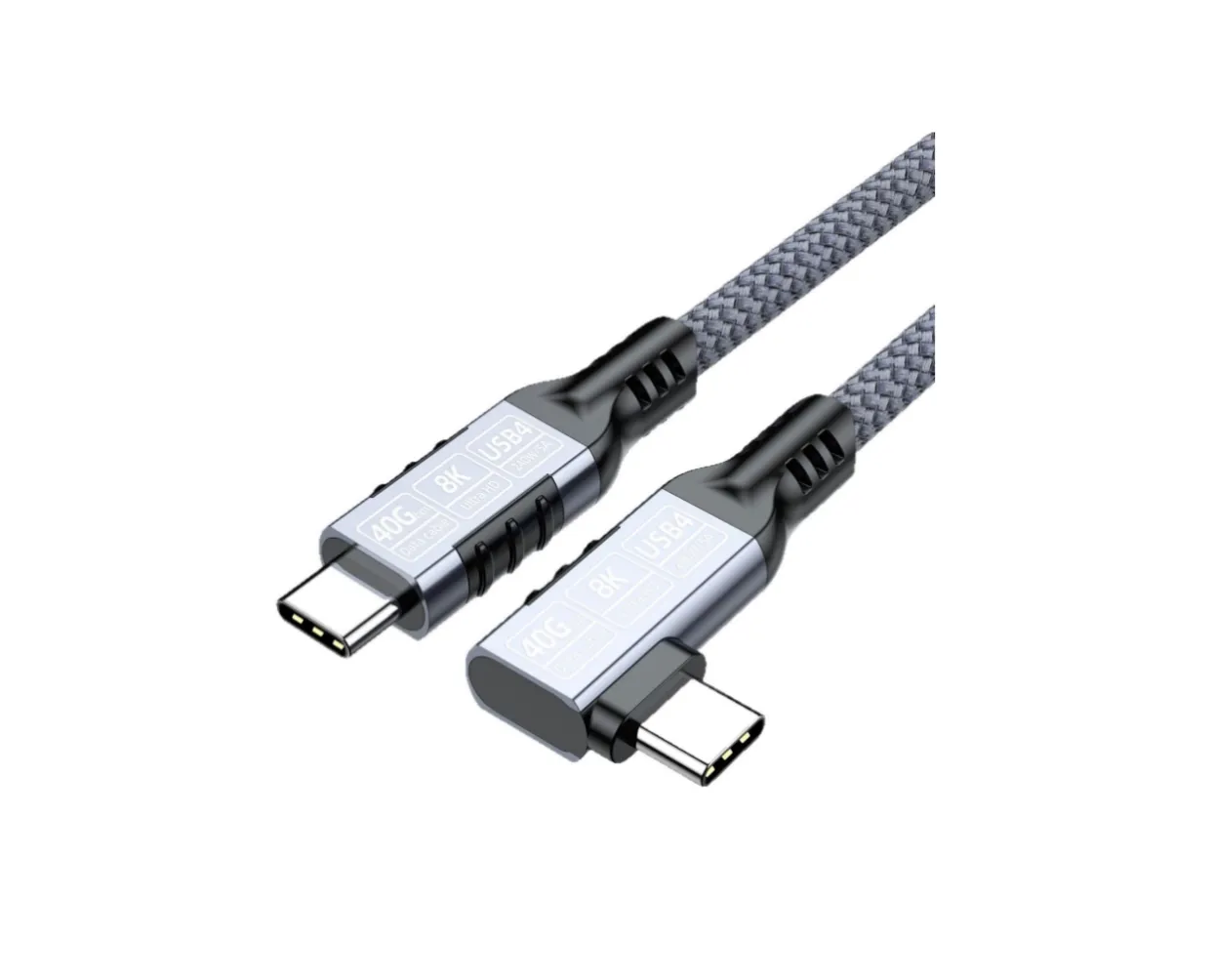
Sep 12, 2026Buying Guides
USB Cable Buying Guide: How to Choose the Right USB-C Cable
USB-C is a connector, not a speed. Learn how to match data rate, charging power, length and construction to your actual devices — and where an E-marker matters.
Journal
Read buying guides, product notes, material stories, and field updates from the team.
USB-C is a connector, not a speed. Learn how to match data rate, charging power, length and construction to your actual devices — and where an E-marker matters.
Recommended products
Popular pieces selected to support the routines, repairs, and ideas featured in our journal.
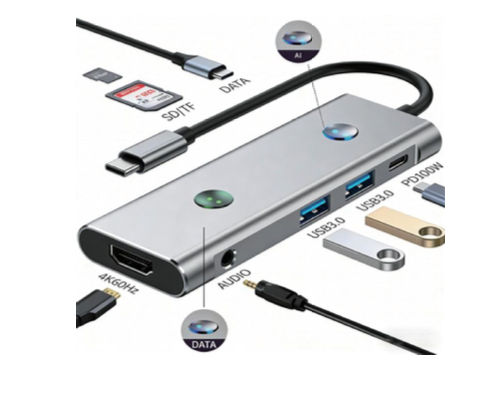
AI 8-in-1 USB-C hub with 1x USB 3.1 (5Gbps), 1x USB 2.0 (480Mbps), HDMI 2.0 (4K@60Hz), SD/TF card slots, USB-C PD 100W and 3.5mm audio — with a built-in AI assistant button (100+ AI assistants for language input, translation, search, drawing and writing) and an HDMI On/Off switch.
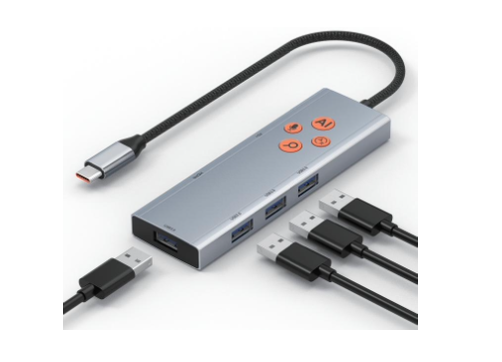
AI 6-in-1 USB-C hub with 4x USB 3.0 (5Gbps) ports, HDMI 2.0 (4K@60Hz) and USB-C PD 100W charging — with built-in AI assistant software including 100+ AI assistants for language input, translation, search, drawing and writing, free for life.
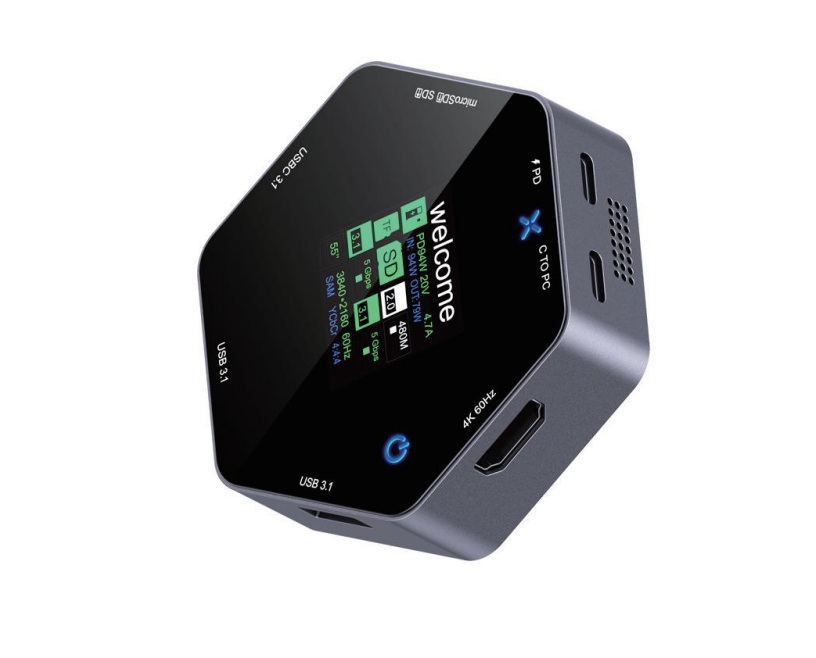
8-in-1 USB-C hub with tempered glass top panel and LED display: HDMI 2.0 (4K@60Hz), USB-C PD 100W, 3x USB-A 3.0 (5Gbps), 1x USB-C 3.0 (5Gbps), SD and TF 3.0 slots. Hexagonal design with a welcome-screen LED front.